
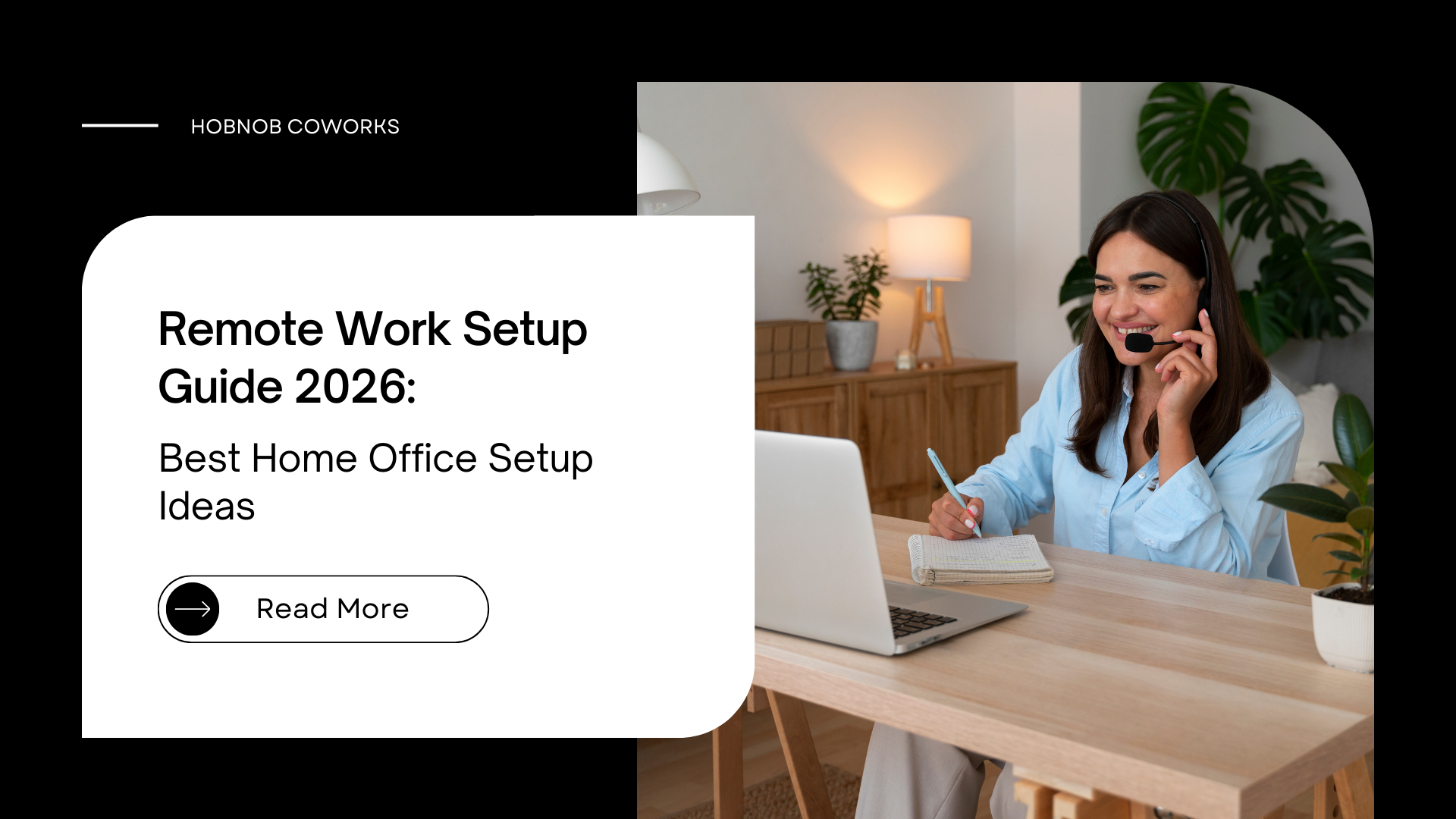
Remote work has become very common in the last few years. Many professionals, freelancers, and even companies now allow people to work from home. While this flexibility is great, working remotely is not always easy. Without the right workspace, it can quickly become uncomfortable and distracting.
A proper remote work setup helps you stay focused and organized during the day. It does not always require expensive furniture or equipment. In many cases, small improvements in your workspace can make a big difference in how productive you feel.
Let’s look at how you can create a simple but effective workspace for remote work.
What is Remote Work Setup?
A remote work setup is basically the space where you work outside a traditional office. For some people, it might be a desk in their bedroom. For others, it could be a small home office or even a shared workspace.
The purpose of this setup is simple — to create a place where you can work without too many distractions. When your workspace is comfortable and organized, it becomes easier to concentrate on tasks.
Many remote workers realize over time that the environment where they work affects their energy, focus, and even their mood.
Key Things Every Remote Workspace Should Have
You don’t need a complicated setup to work effectively. A few essential elements are usually enough to build a productive environment.
A Comfortable Chair and Desk
If you spend several hours working on a laptop every day, your seating matters a lot. Sitting on a couch or bed may feel convenient, but over time it can lead to back pain and poor posture.
A simple desk and a comfortable chair make long working hours much easier.
Good Lighting
Lighting is often ignored when people set up their workspace. But poor lighting can make your eyes tired and reduce your ability to focus.
If possible, try to place your desk near natural light. If that is not an option, a soft desk lamp can help create a more comfortable working environment.
Stable Internet
Most remote jobs depend heavily on internet access. Meetings, file sharing, and communication tools all require a reliable connection.
When the internet is slow or unstable, even simple tasks can take longer than expected.
Correct Screen Position
Working on a laptop placed too low on the desk can cause neck strain. Many people solve this by using a laptop stand or connecting an external monitor.
Keeping the screen closer to eye level helps maintain better posture.
A Space With Fewer Distractions
Noise and interruptions are one of the biggest challenges when working remotely. If the home environment is busy, it can be difficult to stay focused.
Some people use headphones to block background noise, while others prefer working from places designed specifically for professionals.
Tools That Can Make Remote Work Easier
While basic equipment is usually enough, a few tools can make remote work more efficient.
Some commonly used tools include:
- a reliable laptop or desktop
• keyboard and mouse
• webcam for online meetings
• headphones for calls
• productivity or task management apps
These tools help remote workers stay connected and organized.
Simple Desk Setup Ideas
Your desk setup does not have to be complicated. In fact, keeping things simple often works better.
Here are a few ideas that many remote workers follow:
- keep only essential items on the desk
• organize cables so the desk looks clean
• add a small plant or decoration
• use a laptop stand to improve posture
A clean desk can make your workspace feel calmer and easier to work in.
Common Problems People Face With Remote Work
Many remote workers struggle in the beginning because their workspace is not properly arranged.
Working from the bed or couch is one of the most common habits. It may seem comfortable, but it usually reduces productivity and causes posture issues.
Poor lighting and constant distractions are also common problems. Fixing these small issues can make remote work much smoother.
Working From Home vs Coworking Spaces
Working from home has its advantages. It saves travel time and offers flexibility. However, not everyone finds it easy to stay productive at home.
Distractions, lack of space, or unreliable internet can sometimes make remote work challenging.
Coworking spaces offer a different experience. They provide professional workstations, reliable internet, and a quiet environment designed for focused work.
For professionals who prefer a structured work environment, places like Hobnob Coworks provide a workspace where people can work comfortably while also connecting with other professionals.
Tips to Stay Productive While Working Remotely
Productivity often depends on how you structure your workday.
A few simple habits can help:
- start work at a fixed time each day
• keep your workspace organized
• take short breaks between tasks
• plan your work in advance
• limit distractions during work hours
Over time, these habits help remote workers maintain a consistent routine.
Conclusion
Remote work offers flexibility, but it also requires a well-organized workspace. A comfortable chair, good lighting, stable internet, and a distraction-free environment can make remote work much more productive.
Creating the right remote work setup does not have to be complicated. Even small changes can improve focus and make everyday work easier.
Some professionals prefer working from home, while others choose professional workspaces like Hobnob Coworks to stay productive in a focused environment.
The most important thing is to build a workspace that supports your work style and helps you stay comfortable throughout the day.
Follow Hobnob Coworking Space on Instagram for updates and Also in follow on Facebook.
